Setup and teams
Record equipment and trim
Keep what you sailed with alongside the session, and reuse setups without losing the day’s adjustments.
iOS, Android and web · Pro or Coach
Where to start
Main menu → Equipment or Trim; activity → Equipment and Trim sections.
Set up the boat’s equipment
In Equipment, select the boat and add identifiable items. On the activity, choose Log equipment for this session and select what you used.
Define trim settings
In Trim → Settings, add the measurements you want to record. Use Decimal for a number, Text for a written value, or Toggle for an on/off setting.
Give numerical settings a clear unit, and use the same measuring reference each time.
Create a reusable profile
Create a named profile and enter its preset values. Select at least one wind-strength category; wave state is optional. A profile is the starting setup you can reuse across sessions.
Log the actual setup
On the activity, choose Log trim for this session. Select a profile or Log without a profile, adjust the values and select Save trim.
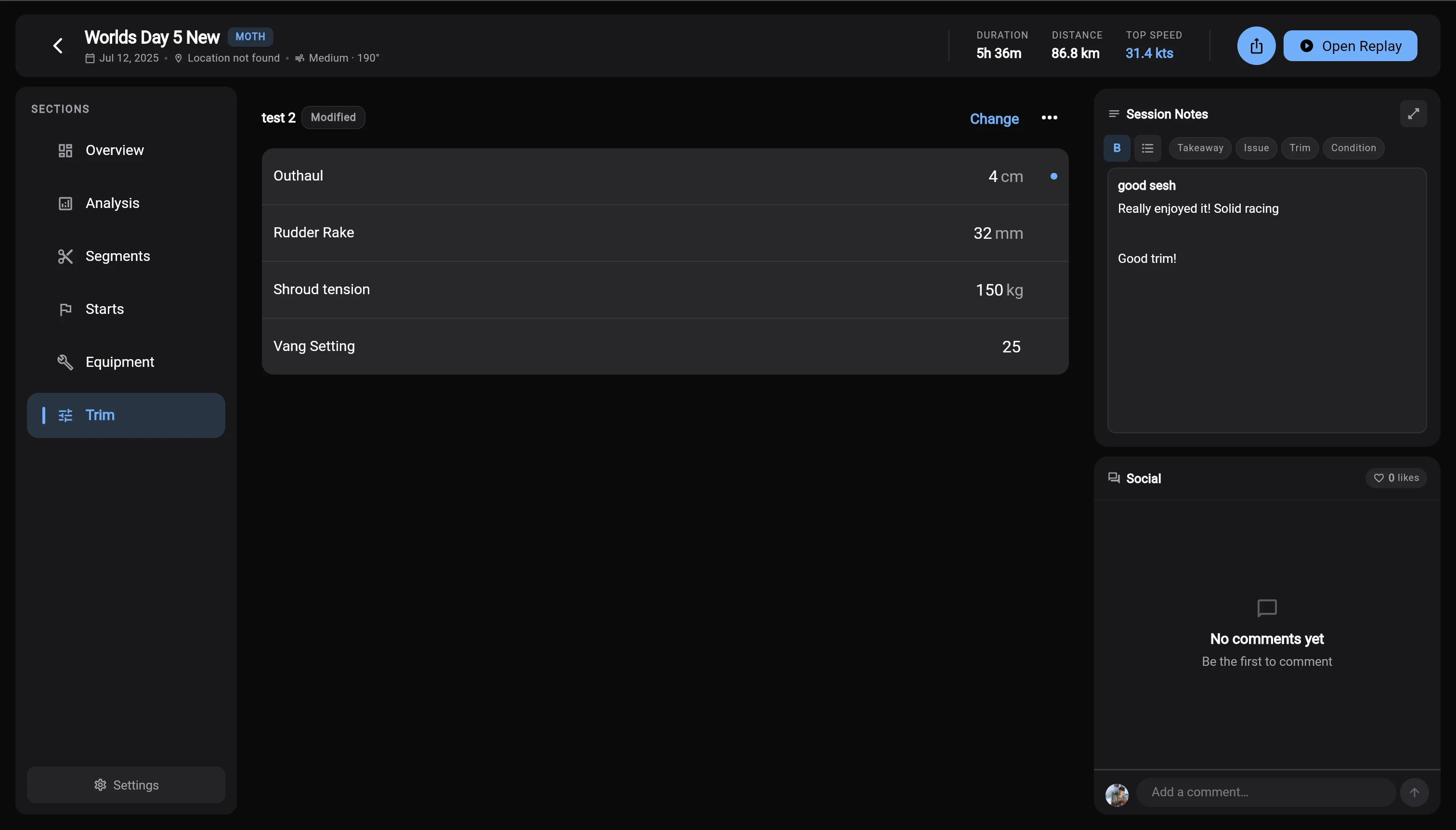
Session values versus profile values
Saving session trim does not update the reusable profile. Choose Update [profile] with these values or Save as new profile… when you want to keep the change for future sessions.
Changing or clearing session trim
- Change
Choose another profile. Confirming the switch replaces the logged values with the new profile’s values.
- Reset to profile values
Discard the session’s differences and return to the values in its selected profile.
- Clear trim for this activity
Remove the trim log from this activity.
Maintain your setup library
Retire equipment or archive profiles to keep them out of active use while preserving context. Equipment usage depends on the sessions where it was logged. Deleting an equipment item removes its usage history.
For setup changes between runs, name the segments and note which settings belonged to each interval.